
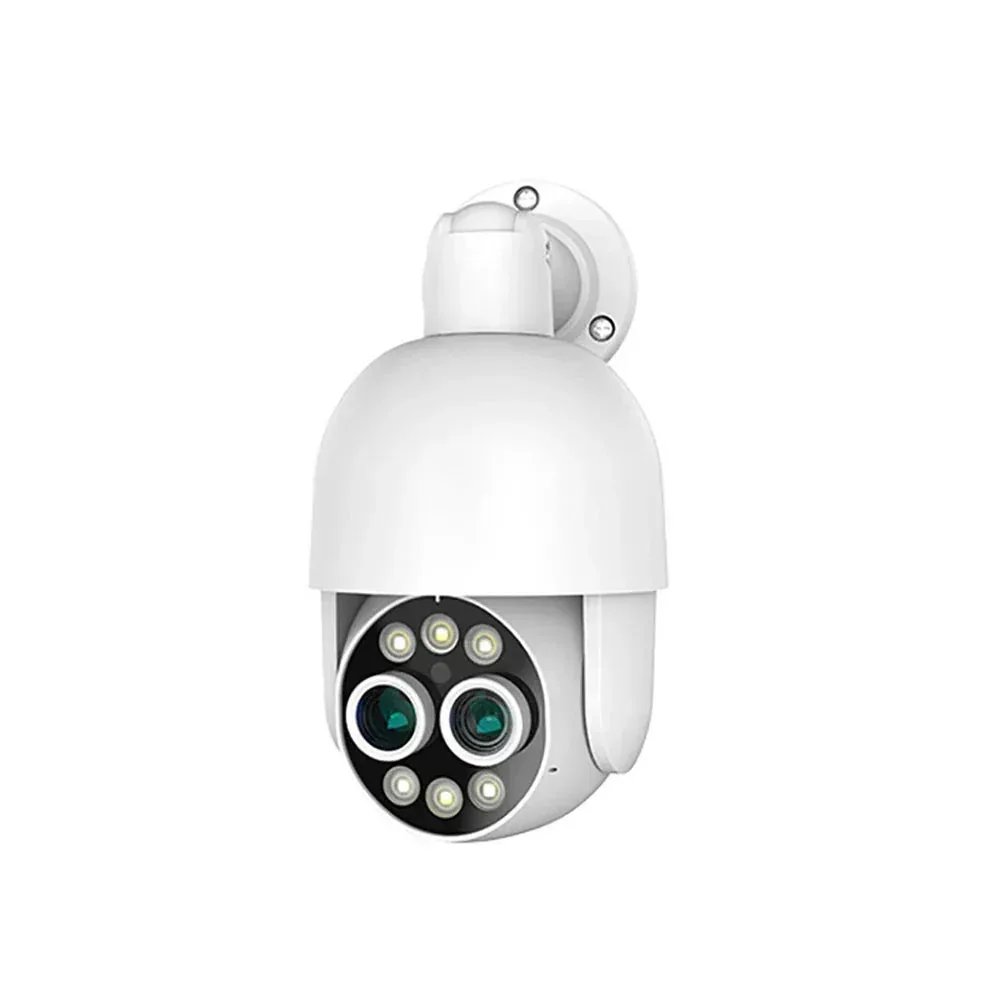
Use PT825D to switch between a wider scene and a closer view over one Ethernet connection. Its two lenses are labelled 4MP each, with picture-in-picture viewing, human tracking and two-way audio.
QuarkView PT825D Dual-Lens PoE Camera
Gate and driveway overview with a closer view
Single camera
- PoE Ethernet connection
- Human detection
- Two-way audio
$58.99
USD
QuarkView · XM-PT825D-80P
01 / 08
Device exterior
Specifications
| Camera resolution | Two lenses labelled 4MP each; 8MP combined sensor count |
|---|---|
| Camera quantity | 1 |
| Connection | Wired PoE |
| Weather rating | IP66 listed |
| Audio | Built-in microphone and speaker; two-way talk listed |
| microSD support | Up to 128GB |
| Video codec | H.265 |
| ONVIF | Protocol support listed; feature availability depends on recorder and firmware |
Full specifications and package contents
| Model | PT825D-80P |
|---|
What is included
- One camera
- Mounting parts and setup manual
- Recorder, recording drive and Ethernet cabling selected separately
Product details
A wider scene and a closer view
The PT825D uses two lenses for near and far viewing with picture-in-picture display. Each lens is labelled 4MP. Plan the views around an entrance and its approach rather than treating the combined sensor count as one recorded 4K stream.
More product details
Move the view around the scene
Remote pan and tilt changes the direction the camera faces. Human tracking is listed for the camera family. Keep a fixed overview at positions that need uninterrupted coverage.
Choose the night behavior and talk through the camera
A built-in microphone and speaker support two-way talk. Infrared viewing and white-light color modes serve different lighting needs. White illumination is used for the color night view; evaluate the installed view at the actual target distance.
Connect power and plan the recording
Connect each camera to a suitable PoE NVR port or powered switch over Ethernet. A microSD card provides local recording up to 128GB.
Selected configuration
- One camera
- Mounting parts and setup manual
- Recorder, recording drive and Ethernet cabling selected separately
Setup and software
iCSee handles camera setup and viewing. Use the instructions supplied with the camera to add the device and select local playback.
Practical guides
- Understand dual-lens viewing — Separate two sensors, PiP and stitched output.
- Wide angle and zoom — Compare a scene overview with closer detail.
- Camera and NVR compatibility — Check saved video, audio, controls and events individually.
- Set up and assess human tracking — Plan triggers, occlusion and return behavior.
Setup resources and product questions
- PT825 PoE camera family manual — English (PDF) (opens a new tab)
A reference for the listed model family. Match the device label and on-screen interface before following setup steps.
- camera: iCSee — Android (opens a new tab)
- camera: iCSee — iOS (opens a new tab)
- QuarkView setup support (opens a new tab)
Model FAQ
Does the 8MP label mean one recorded 4K image?
It describes two lenses labelled 4MP each. It does not establish the pixel dimensions of an individual recorded stream.
Is the zoom a continuous 8X optical lens?
PT825D uses separate near and far lens views. Switching views and enlarging a digital image differ from changing the focal length of a motorized optical lens; no continuous optical-zoom ratio is specified here.
Are the two pictures a stitched panorama?
Picture-in-picture places a smaller view within another view. A stitched panorama and two independent recorded channels are different layouts and are not established by a dual-view display.
Does this camera need Wi-Fi?
No. The listed PoE configuration uses Ethernet for the network connection and a compatible PoE source for power.
How do I set up viewing and local recording?
The PoE PTZ family setup guide uses iCSee. Local microSD support is listed up to 128GB; a card is included only with a card package.
What should be checked with another NVR?
Test saved video, audio, pan/tilt control and the required events independently. Protocol support alone does not establish every function with a third-party recorder.
Discuss samples, bulk supply or OEM requirements
Start with XM-PT825D-80P and the configuration you need. Include quantity per model, delivery destination, target timing and any sample or documentation requirements.
Sample terms, minimum order quantity, customization scope, compatibility and lead time need confirmation for this model and configuration. Use the purchase options above for an available individual purchase.
Request a QuoteRelated products
More options in PTZ Cameras
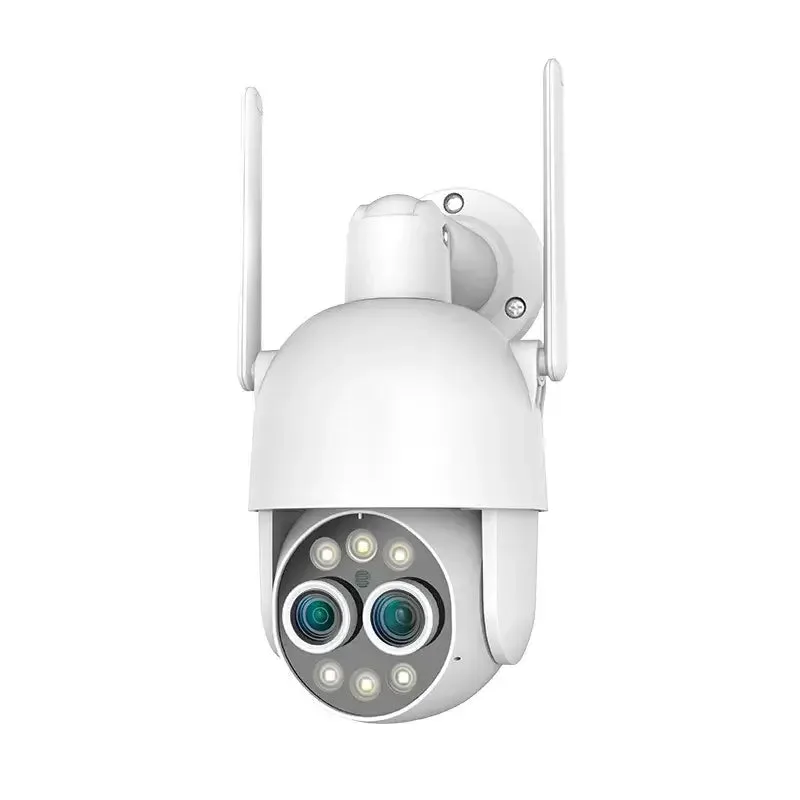
QuarkView PT825D Dual-Lens Wi-Fi Camera
- IP66 listed
- Built-in microphone and speaker; two-way talk listed
From $54.99
Starting configuration
1 cameras
QuarkView · XM-PT825D-80W
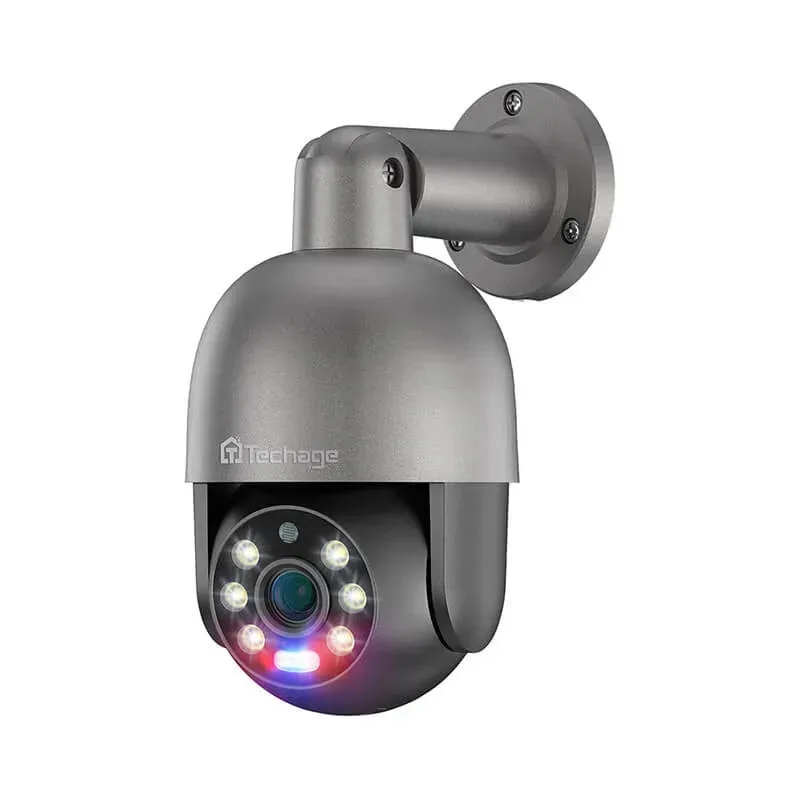
QuarkView PT825G PoE Camera — 5MP and 8MP Options
- Remote mechanical pan and tilt
- Built-in microphone and speaker; two-way talk listed
From $48.99
Starting configuration
1 cameras · 5MP
QuarkView · TA-XM-PT825G-50P
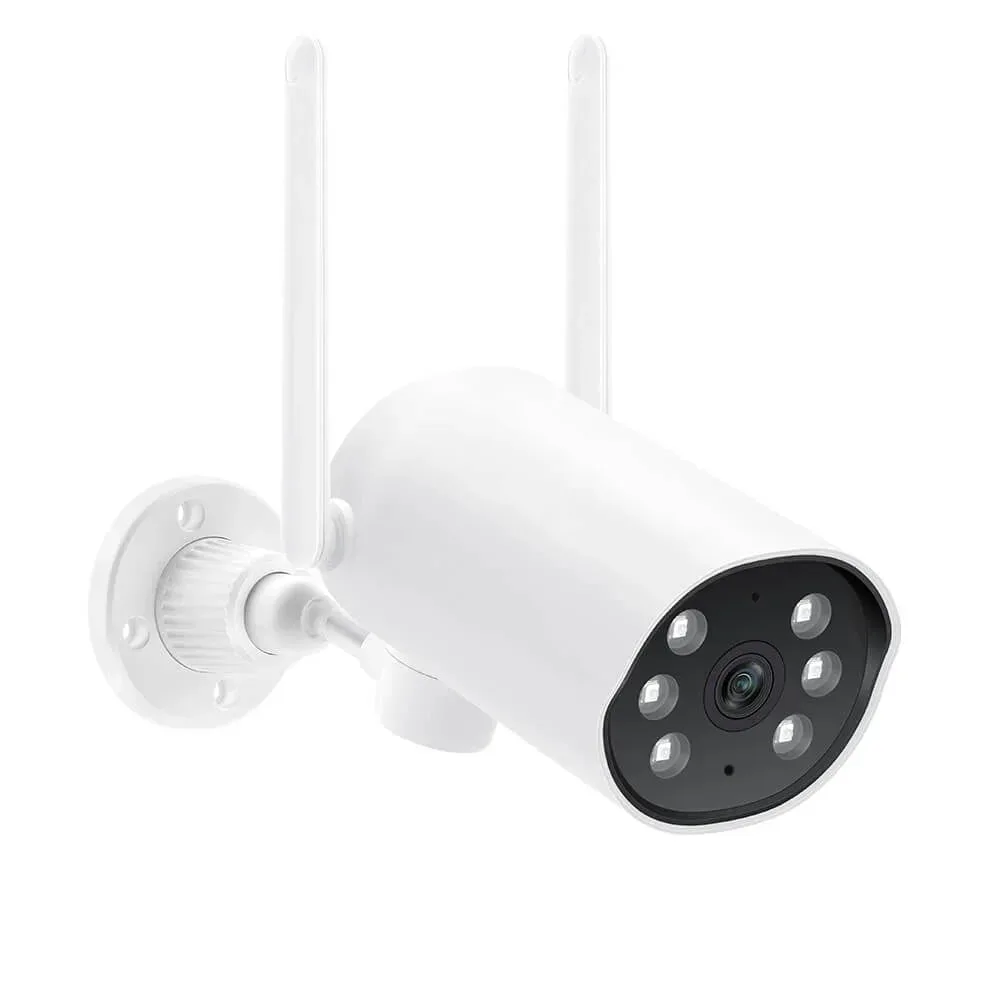
QuarkView PT530W 3MP EseeCloud Wi-Fi Camera
- Remote mechanical pan and tilt
- Built-in microphone and speaker; two-way talk listed
$36.99
QuarkView · JA-PT530W-30W