
Monitor a powered entrance with a 3MP Wi-Fi camera controlled in EseeCloud. A fixed 3.6mm lens, 180° pan, 90° tilt and human tracking combine with two-way talk and microSD recording.
QuarkView PT530W 3MP EseeCloud Wi-Fi Camera
Powered home entrances
Single camera
- Remote mechanical pan and tilt
- Human detection
- Two-way audio
$36.99
USD
QuarkView · JA-PT530W-30W
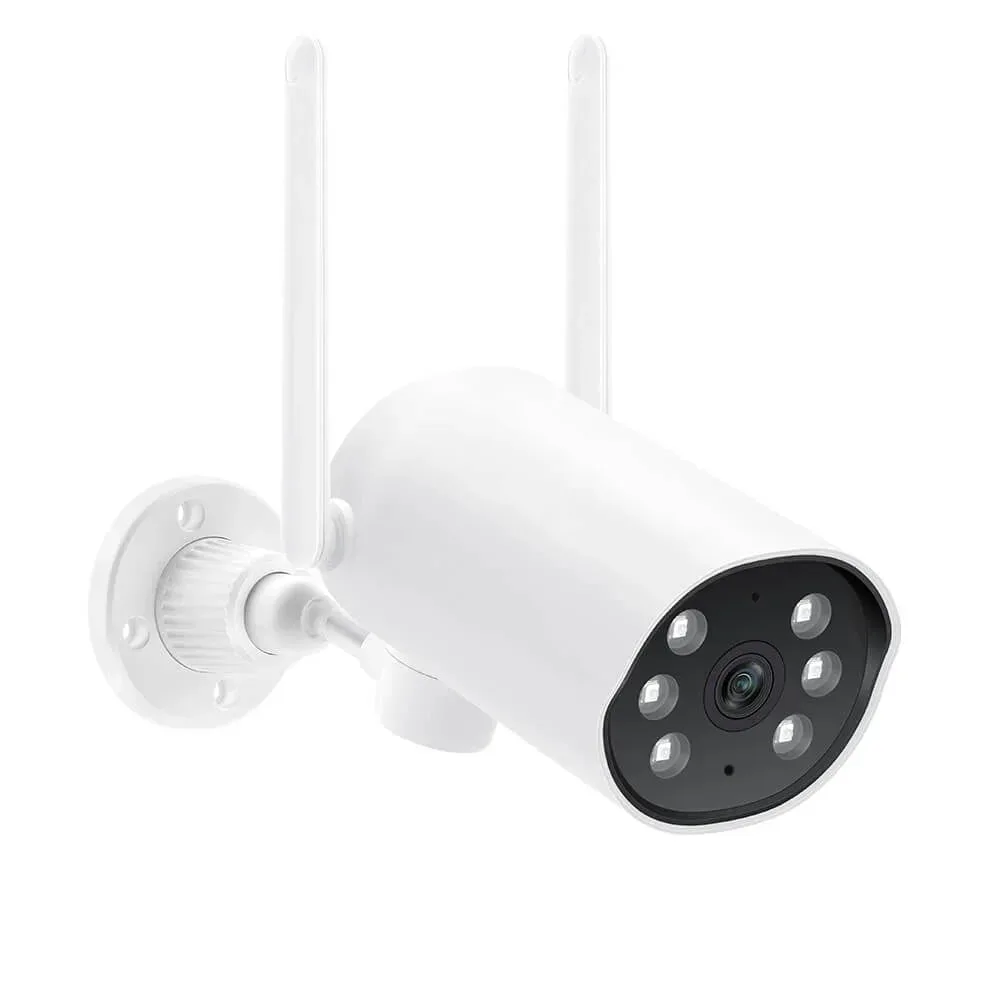
01 / 04
Device exterior
Specifications
| Camera resolution | 3MP camera label |
|---|---|
| Camera quantity | 1 |
| Connection | Wi-Fi with external DC power |
| Audio | Built-in microphone and speaker; two-way talk listed |
| Mechanical movement | 180° pan / 90° tilt |
| Lens | Fixed 3.6mm |
| microSD support | Up to 128GB |
| Wi-Fi band | 2.4GHz; 5GHz not supported |
Full specifications and package contents
| Model | PT530W-30W |
|---|---|
| External power | DC 12V |
| Video codec | H.265 |
| App | EseeCloud |
What is included
- 1 camera(s)
- External power supply and mounting accessories follow the camera package
- microSD card only in the selected card option
Product details
Choose the night behavior and talk through the camera
A built-in microphone and speaker support two-way talk. Use the IR-cut day/night mode for the available lighting, and evaluate the installed night view at the actual target distance.
More product details
Aim the camera at the part that matters
Mechanical pan and tilt lets you inspect another part of the entrance or yard. The PT530W uses a fixed 3.6mm lens and a listed 180° pan range. Camera movement changes direction; it does not create a stitched panoramic image or prove optical zoom.
Track activity in a defined area
Use human tracking for movement through a clear viewing area. Set the working view around the approach and keep obstructions out of the path.
Connect power and plan the recording
Wi-Fi carries the data connection; each camera still needs an external power supply. Place it within reliable 2.4GHz coverage. A microSD card provides local recording up to 128GB.
Selected configuration
- 1 camera(s)
- External power supply and mounting accessories follow the camera package
- microSD card only in the selected card option
Setup and software
EseeCloud handles camera setup and viewing. Use the instructions supplied with the camera to add the device and select local playback.
Practical guides
- PTZ controls and coverage — Separate mechanical movement, presets and continuous coverage.
- Set up and assess human tracking — Plan triggers, occlusion and return behavior.
- Outdoor camera installation — Place the mount and protect network and power connections.
- Choose the lens view — Match scene width and target distance to the viewing task.
Setup resources and product questions
- camera: EseeCloud — Android (opens a new tab)
- camera: EseeCloud — iOS (opens a new tab)
- QuarkView setup support (opens a new tab)
Model FAQ
Does pan and tilt mean optical zoom?
No. Pan and tilt moves the camera direction. An optical zoom lens changes focal length; no optical zoom ratio is specified for this model.
Can one movable camera cover every direction continuously?
It records the direction it faces. Add fixed overview cameras where an entrance or working area must remain visible throughout movement.
Does Wi-Fi remove the power cable?
No. These cameras use external power. Wi-Fi changes how the video connection reaches the network.
How do I set up viewing and local recording?
Use EseeCloud for camera viewing. Local microSD support is listed up to 128GB; a card is included only with a card package.
Can it join a 5GHz-only network?
No. The model specification lists 2.4GHz Wi-Fi and explicitly excludes 5GHz.
Discuss samples, bulk supply or OEM requirements
Start with JA-PT530W-30W and the configuration you need. Include quantity per model, delivery destination, target timing and any sample or documentation requirements.
Sample terms, minimum order quantity, customization scope, compatibility and lead time need confirmation for this model and configuration. Use the purchase options above for an available individual purchase.
Request a QuoteRelated products
More options in PTZ Cameras
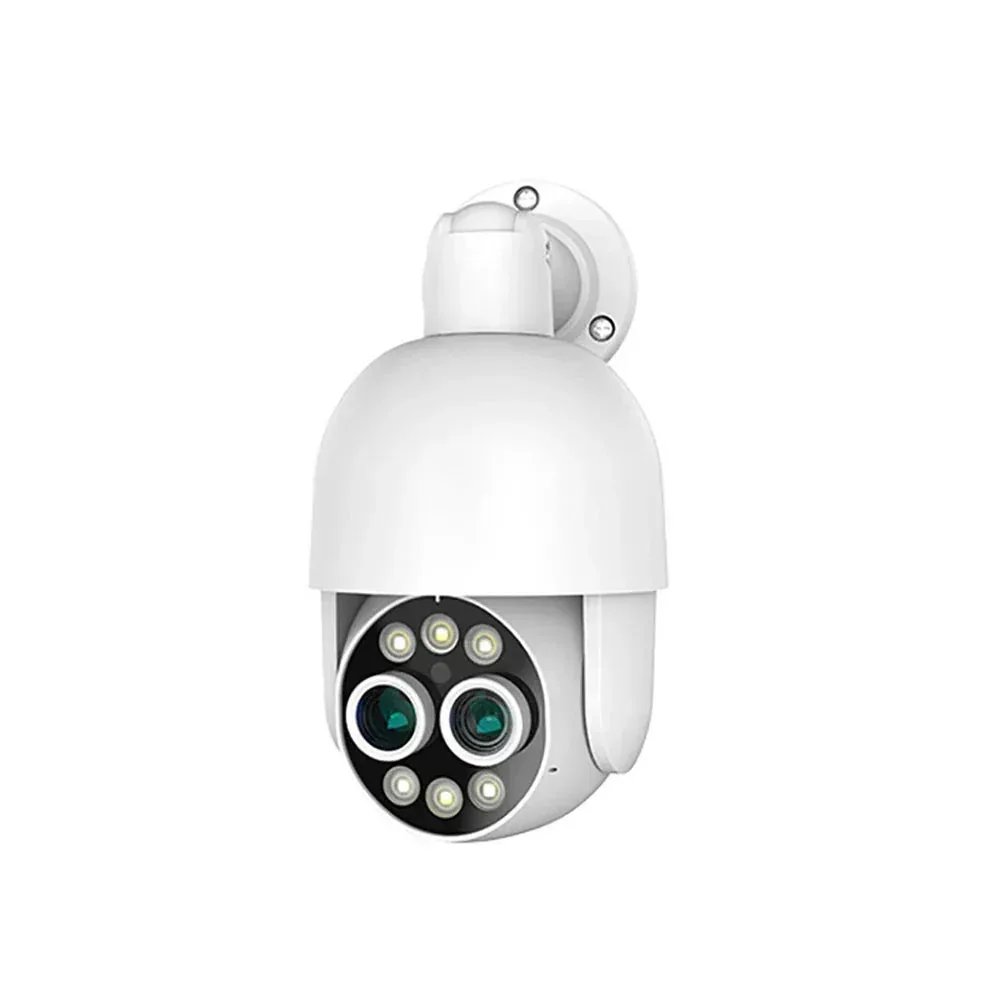
QuarkView PT825D Dual-Lens PoE Camera
- IP66 listed
- Built-in microphone and speaker; two-way talk listed
$58.99
QuarkView · XM-PT825D-80P
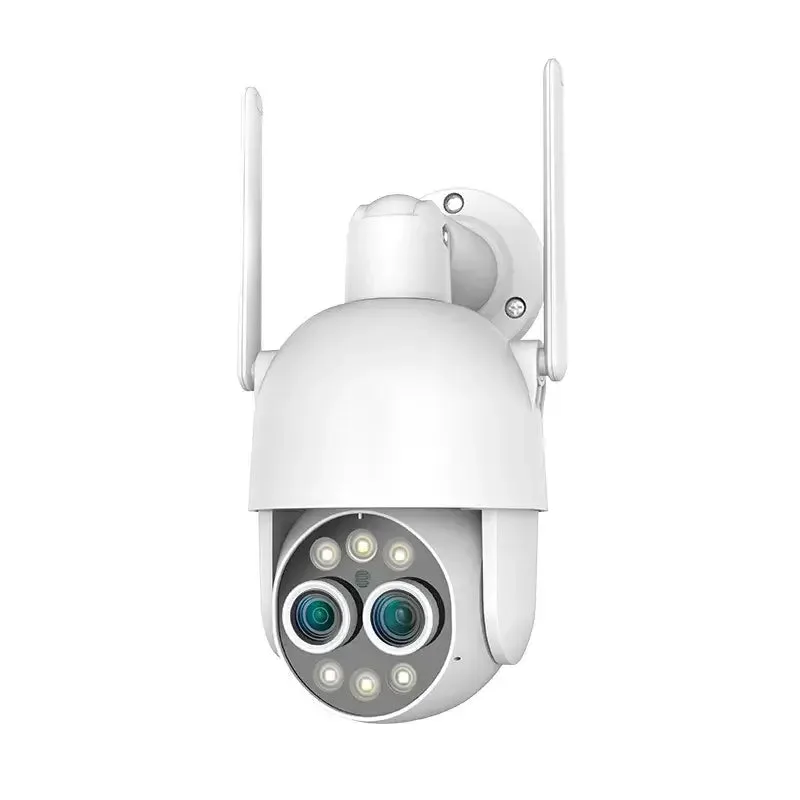
QuarkView PT825D Dual-Lens Wi-Fi Camera
- IP66 listed
- Built-in microphone and speaker; two-way talk listed
From $54.99
Starting configuration
1 cameras
QuarkView · XM-PT825D-80W
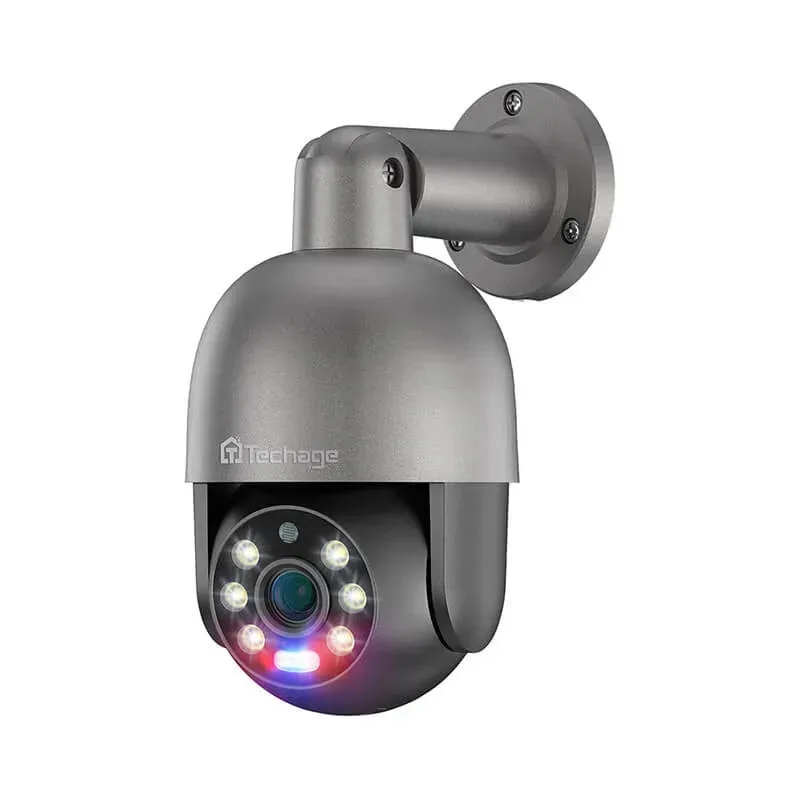
QuarkView PT825G PoE Camera — 5MP and 8MP Options
- Remote mechanical pan and tilt
- Built-in microphone and speaker; two-way talk listed
From $48.99
Starting configuration
1 cameras · 5MP
QuarkView · TA-XM-PT825G-50P