Choose four or eight views and the drive
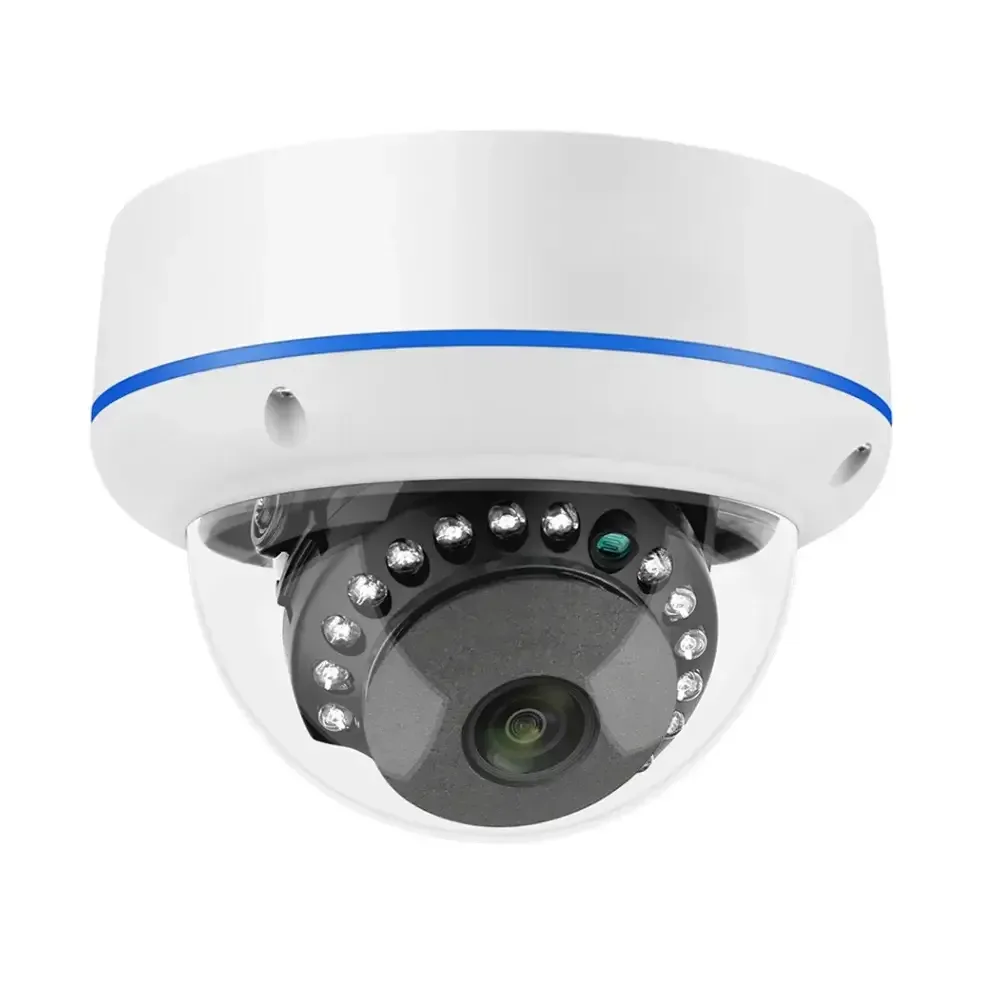
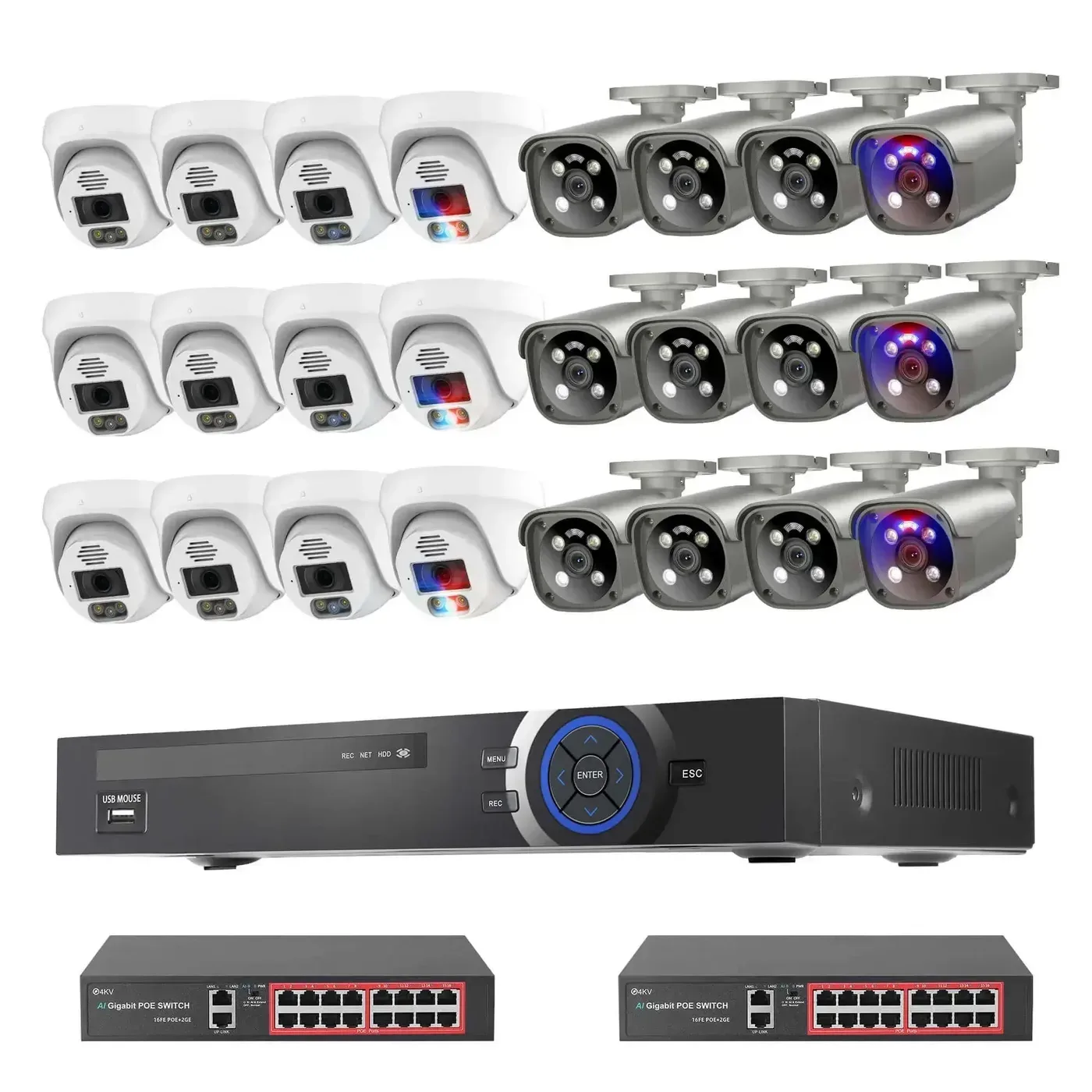
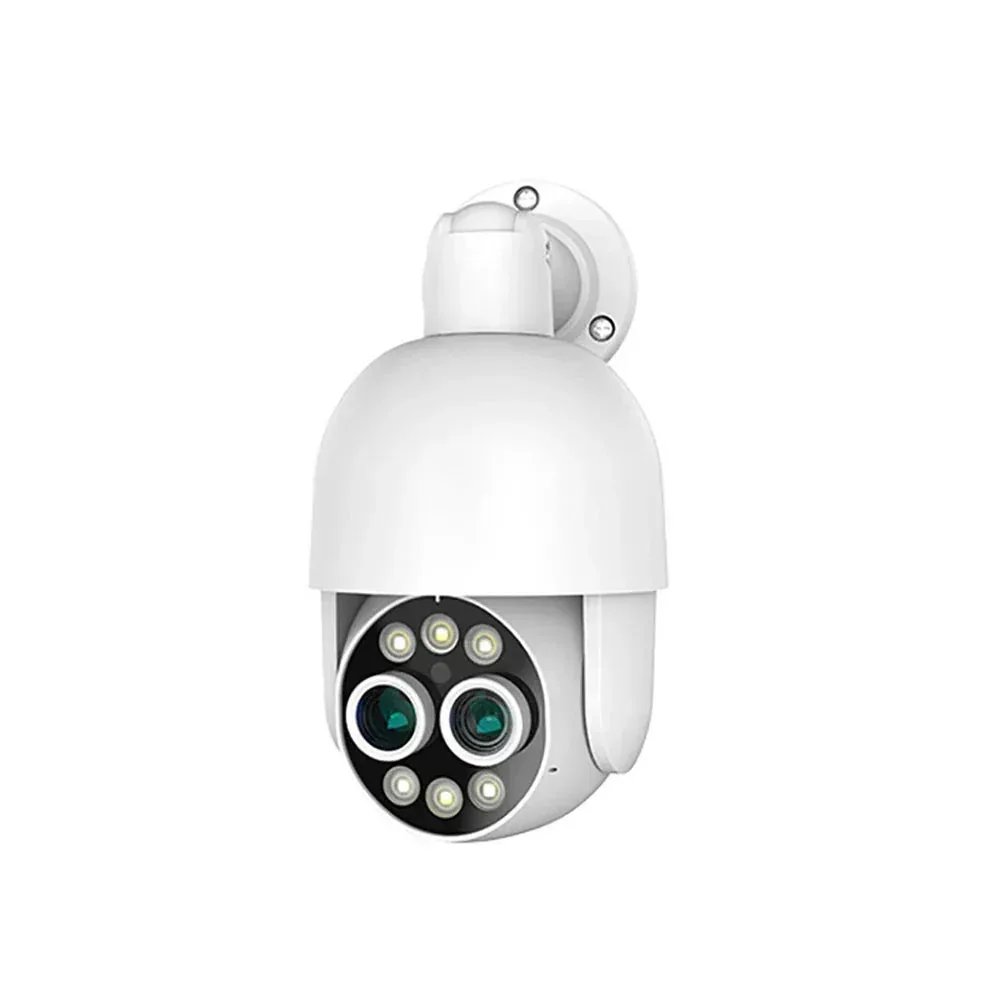
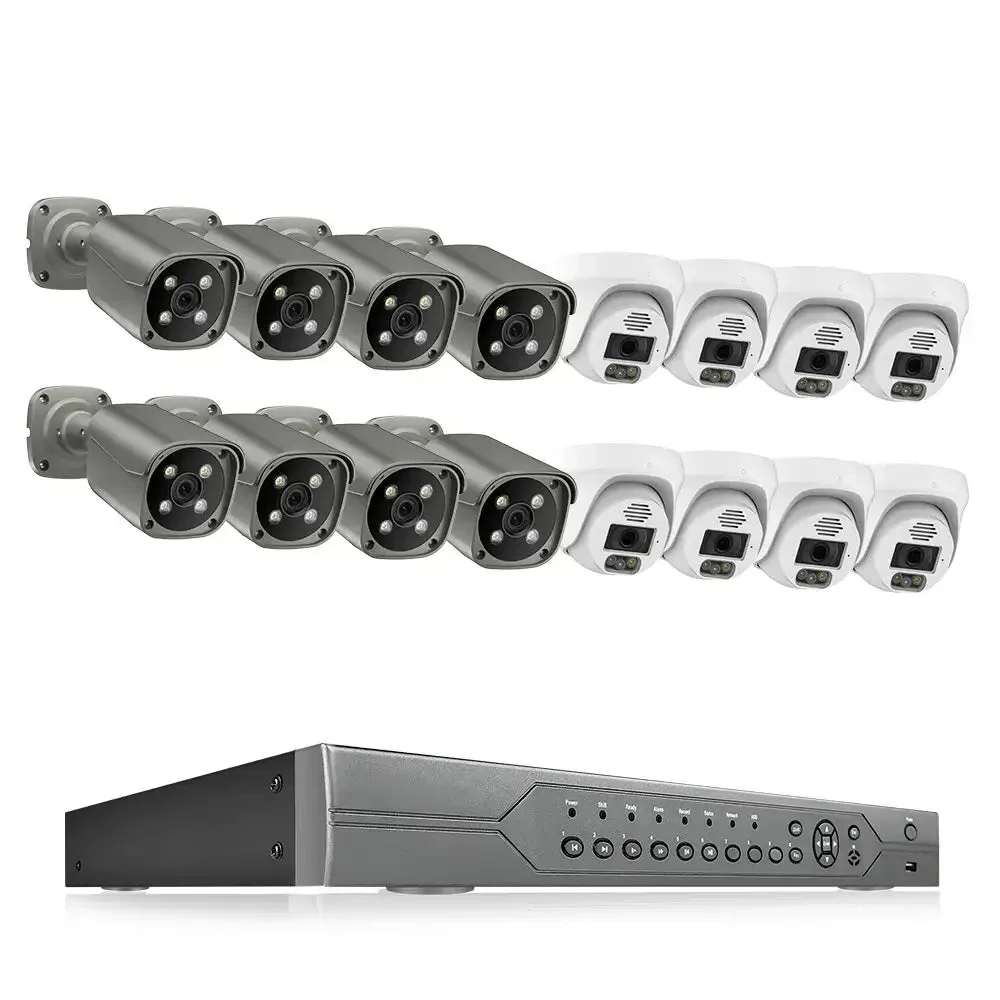
The current configurations list four or eight cameras, with no HDD or 3TB. Fit and initialise the selected drive before setting continuous or motion recording. Keep the cable routes and channel names aligned with the room plan.
Installation and support
Bench-connect the selected cameras and recorder, then label the cable routes and camera positions. Initialise the recording drive and set channel names, time zone and recording schedule before mounting. Use the QuarkView guides below for installation and storage planning.
Practical guides