
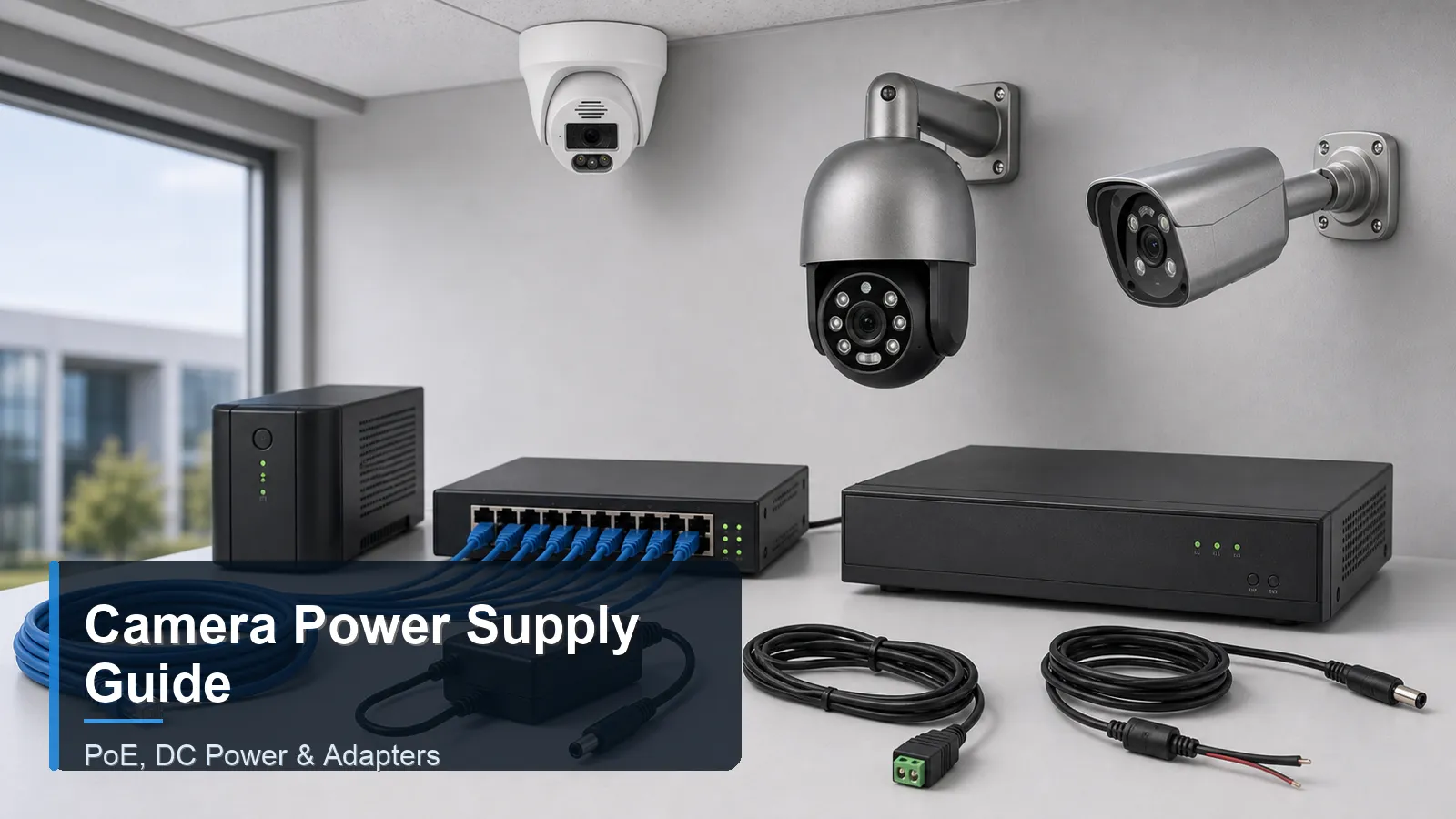
Match the camera’s documented power input before connecting it. For PoE, check the required standard, each port’s capacity and the shared power budget. For DC, match voltage, polarity, connector and current capacity. A working daylight preview does not prove enough power for lighting or motors at night.
Record these four power checks
| Check | Record before buying |
|---|---|
| Input type | Exact camera power input and compatible supply; passive PoE must be matched explicitly. |
| Per-port limit | Camera maximum demand and power available at the device for the selected PoE type. |
| Shared budget | All camera loads, cable loss and planned additions; port count is a separate limit. |
| DC route | Voltage, polarity, connector, current capacity and voltage drop on the planned conductor and length. |
Calculate load with units
As an illustrative supply-side budget, assume eight camera branches need 12 W each, already including cable loss: 8 × 12 W = 96 W. Adding an illustrative 20% planning allowance gives 115.2 W. An eight-port source with a 60 W total budget fails this example even if each port is rated for 15 W. The allowance is an example, not a PoE standard or a QuarkView measurement.
Use actual model maximums and the power source’s allocation rules. Include IR, white light, heaters and movement where fitted. Axis explains typical versus maximum camera power and cable losses; those model values do not describe QuarkView equipment.
Compare the POE108 switch against your device loads and total power budget. Powered-port count alone does not establish night-load capacity. Check stream traffic separately in the bandwidth calculator.
Check power with night functions active
Before accepting a supply, compare its compatible per-port delivery and total budget with the documented maximum load. Test the intended night illumination, heaters or movement where fitted. If a camera restarts, keep the failure time and isolate its cable and port before buying a replacement.
- Record the camera and power-source models, power type, cable length and each port's limit. Keep device-side demand and supply-side allocation separate; include cable loss once in the appropriate budget.
- Activate the supported night functions using the model's controls. Save power allocation or fault logs where available and note which channels are affected.
- Under the intended load, check a new local recording and playback. Record the observation period and any restarts or gaps; extend the test through the required operating conditions before handover.
Download a blank camera field test record (English TXT), or follow the daytime-working, night-restart diagnostic. The record is blank for your observations; it contains no measured QuarkView performance claims.
Check backup power and recovery
- For UPS planning, include the recorder, PoE source and network devices required by the recording path. Add the router when internet access must continue.
- Agree an outage test window. Check recording continuity, restart, timestamps and playback after power returns.
UPS runtime depends on load and the backup unit’s discharge curve. Do not infer runtime from its VA rating. Have qualified personnel handle mains wiring and outdoor electrical protection.
Use the switch selection guide for network limits and the installation guide for handover. Request a matched power configuration with camera models, cable lengths, maximum loads and required backup time.