
QuarkView knowledge base
Security camera answers, without the guesswork.
Compare camera types, recording, installation, storage, and maintenance, then explore the systems that fit.
Planning guide
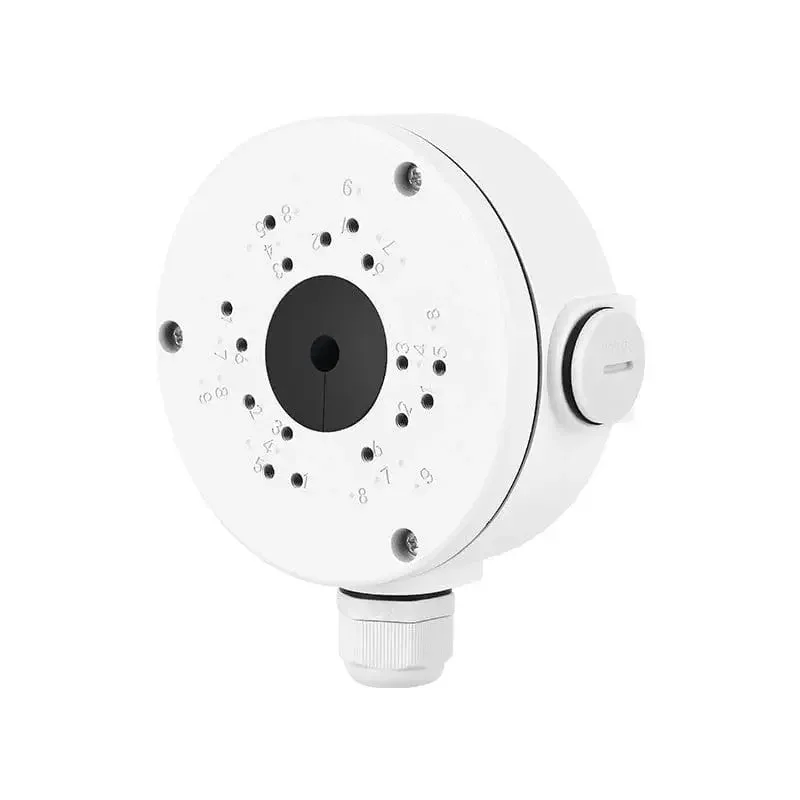
Security Camera Junction Boxes: Fit, Cable Space and Outdoor Installation
Choose a camera junction box by mounting fit, connector space, sealed cable entries and wall support, then verify the installation.
Read guide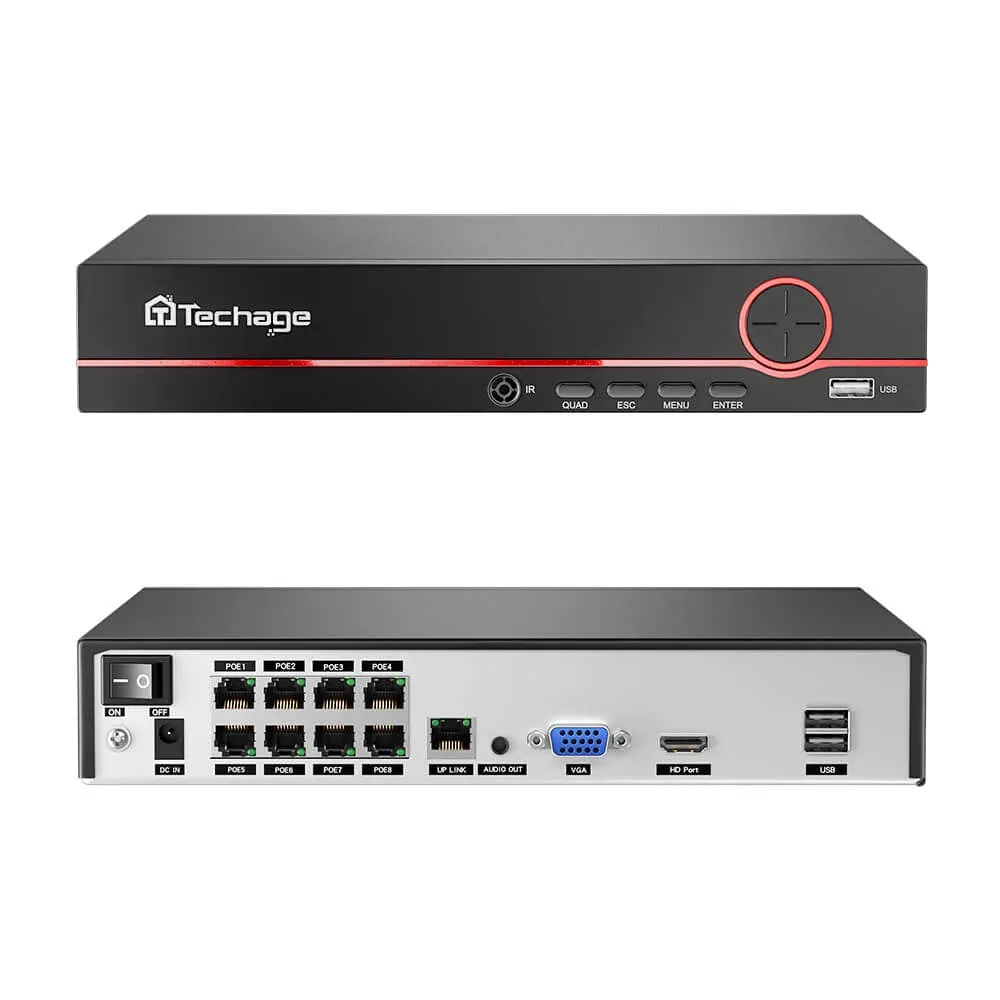
Planning guide
UPS for Security Cameras: Power Budget and Backup-Time Planning
Plan a camera-system UPS with a complete load budget, model-specific runtime checks, and a power-cut recording acceptance test.
Read guide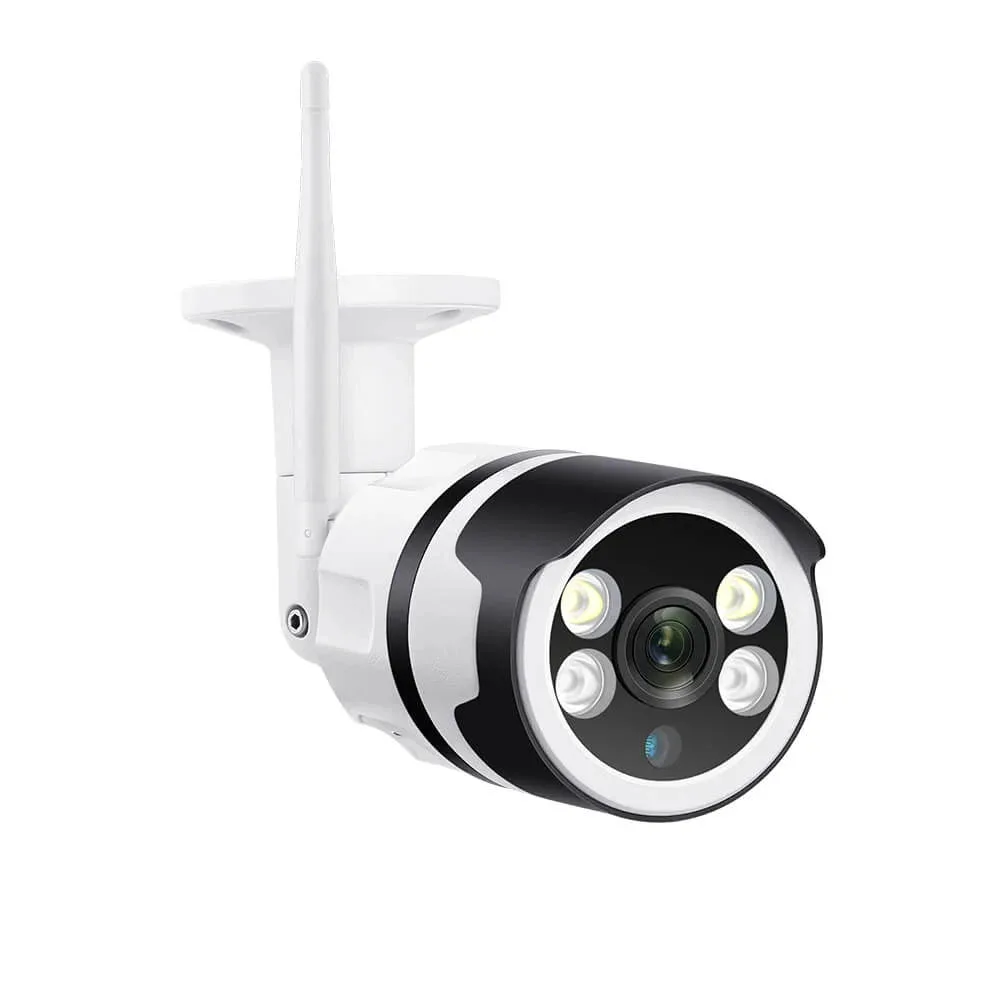
Planning guide
SD Cards for Security Cameras: Endurance, Capacity and Compatibility
Choose a compatible camera SD card, estimate recording time, troubleshoot card errors and verify playback and exported footage.
Read guide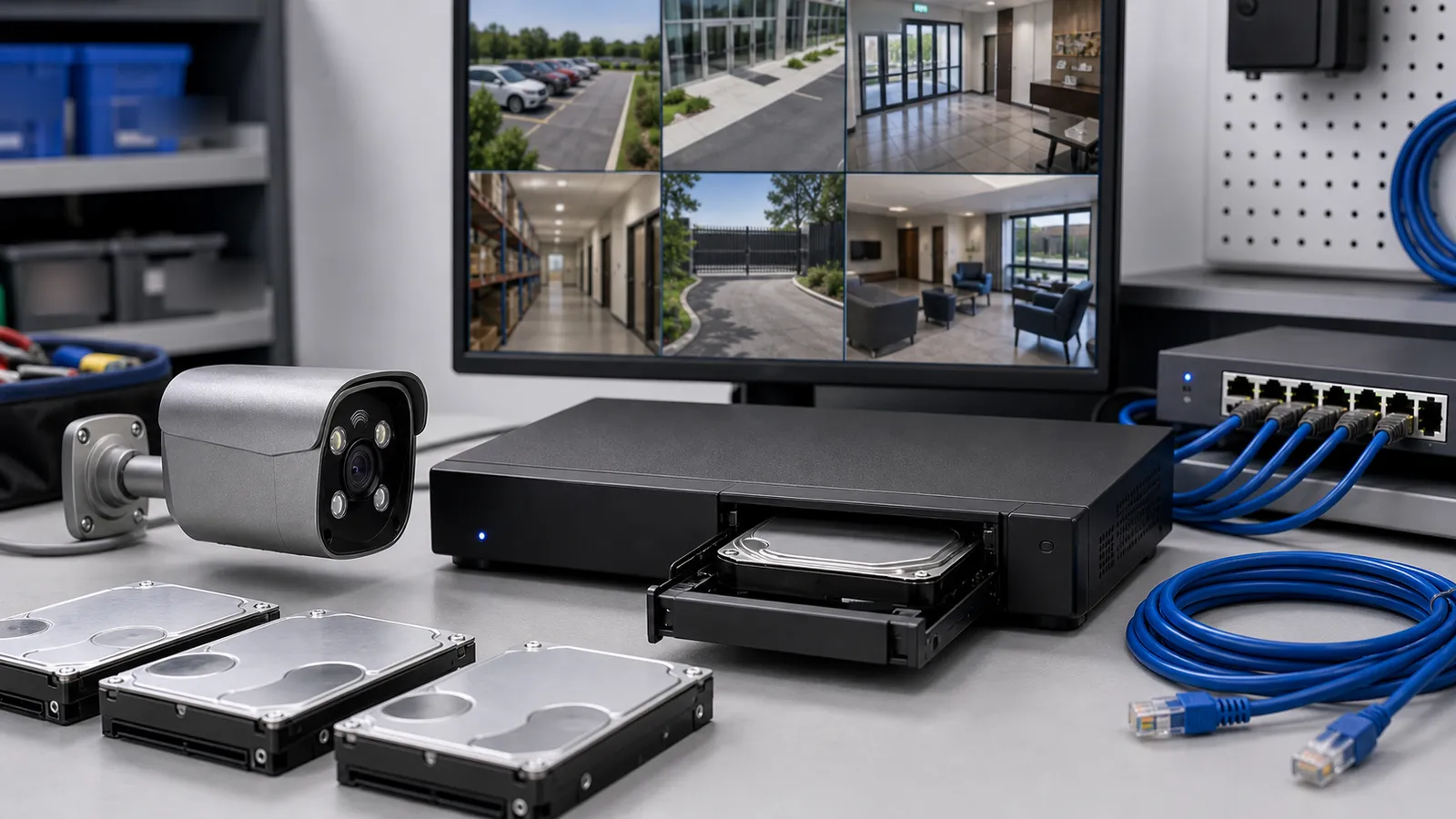
Planning guide
CCTV Hard Drives: Choosing Storage as Prices Rise
Compare CCTV drive types, plan recording capacity and manage rising storage costs, with QuarkView’s one-year hard-drive warranty and replacement service.
Read guide
Planning guide
QuarkView vs Marketplace Cameras: Buyer Comparison
Compare camera packages by equipment, recording days, support and delivery terms. Match camera quantity and storage before comparing price.
Read guide
Planning guide
Security Camera Warranty & Fulfillment Checklist
Check warranty coverage, shipping origin, return handling and replacement terms before comparing camera-system quotes.
Read guide
Planning guide
The Future of Smart Video Surveillance for Homes and Businesses
Compare published smart-surveillance capabilities and forecasts, with edge, cloud, outage and migration checks.
Read guide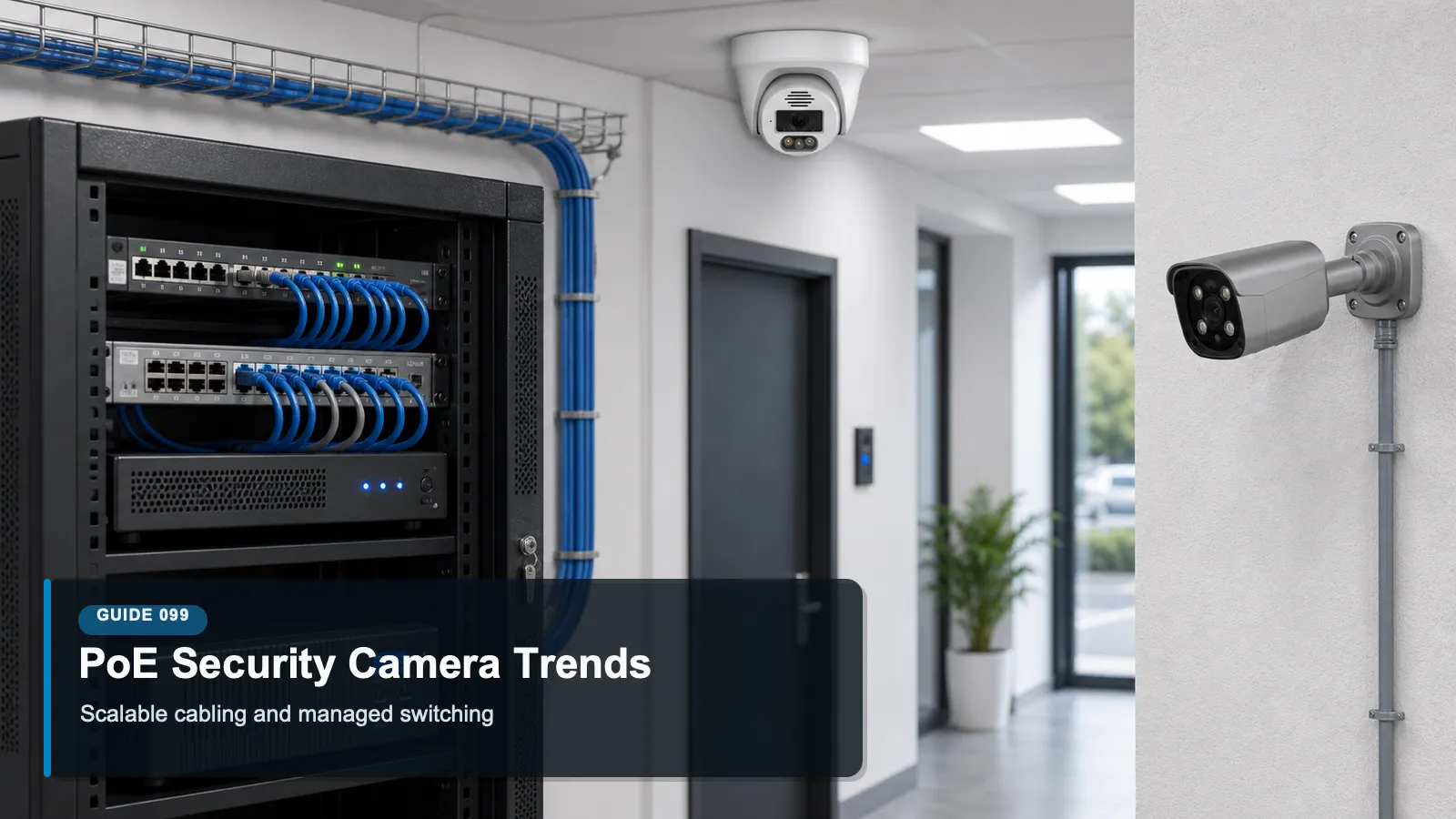
Planning guide
PoE Camera Upgrades: Power, Network and Recovery
Plan a PoE camera upgrade by checking power budget, network load, recorder capacity, recovery and device support.
Read guide
Planning guide
Edge AI vs Cloud AI in Security Camera Systems
Compare edge and cloud AI by processing location, network dependence, privacy controls and the functions your installation needs.
Read guide
Planning guide
Responsible Use of AI Security Cameras in Business Environments
Define the purpose of AI camera alerts, control footage access and test errors before using analytics in a business.
Read guide
Planning guide
GDPR and Video Surveillance: Basic Concepts for International Buyers
Review the purpose, retention, access and notice questions to discuss when planning video surveillance involving personal data.
Read guide
Planning guide
Data Protection Basics for Business Surveillance Systems
Plan who can view and export surveillance footage, how long it is retained and how the business handles access requests.
Read guide
Planning guide
Firmware Updates for Security Cameras and NVRs Explained
Prepare camera and NVR firmware updates by checking model compatibility, backups, release notes and recovery options.
Read guide
Planning guide
Default Password Risks in CCTV Systems and How to Prevent Them
Replace default CCTV passwords, separate user permissions and review remote access instead of relying on the recorder password alone.
Read guide
Planning guide
How to Secure Remote Viewing for Security Camera Systems
Compare approved remote-viewing methods, user permissions and update responsibilities before enabling access from outside the site.
Read guide
Planning guide
Cybersecurity Basics for IP Camera and NVR Systems
Review camera-network access, passwords, firmware support and recorder permissions to reduce avoidable CCTV security risks.
Read guide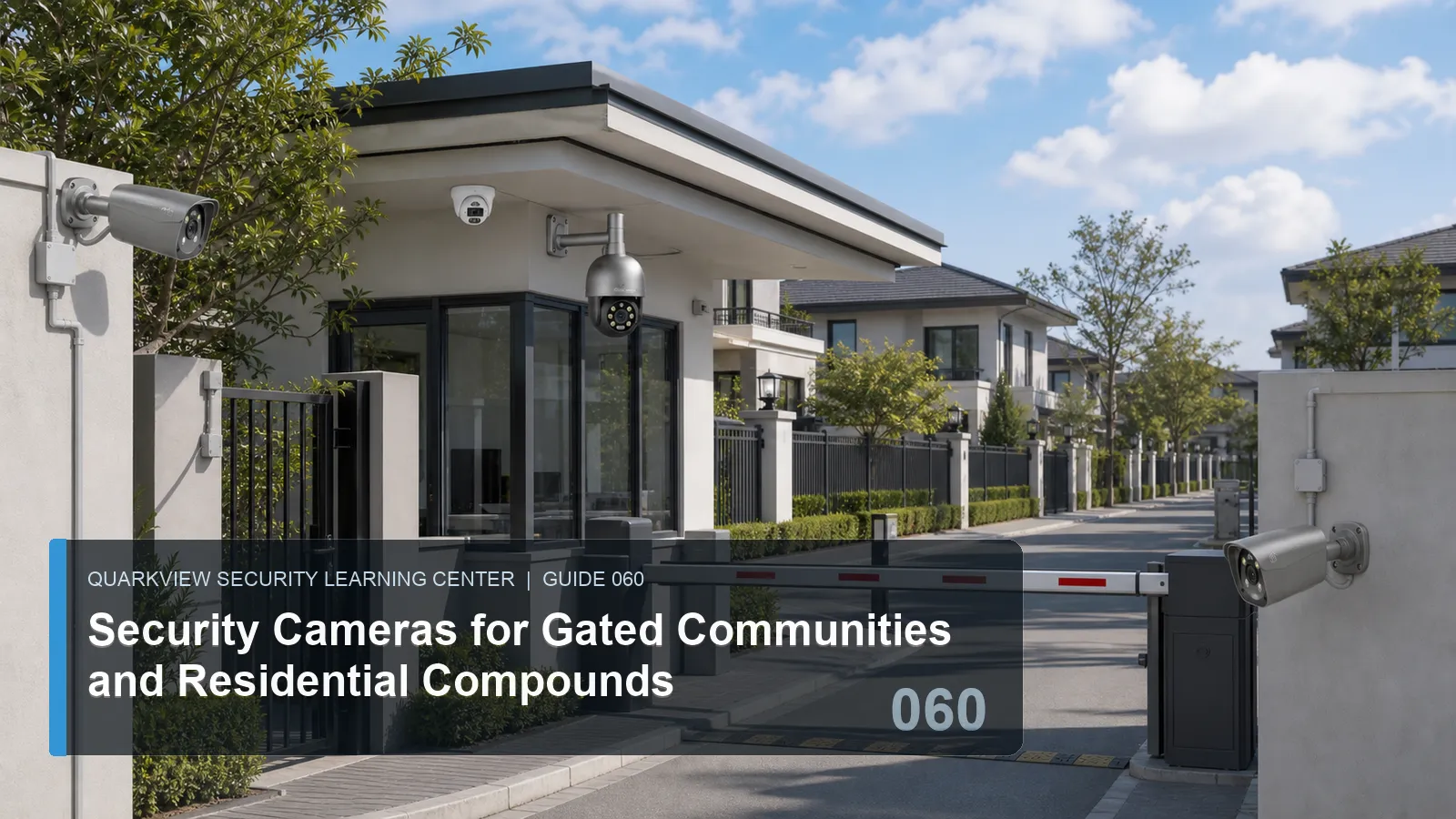
Planning guide
Security Cameras for Gated Communities and Residential Compounds
Plan shared surveillance around vehicle gates, pedestrian access, guard duties, recording retention and controlled access to footage.
Read guide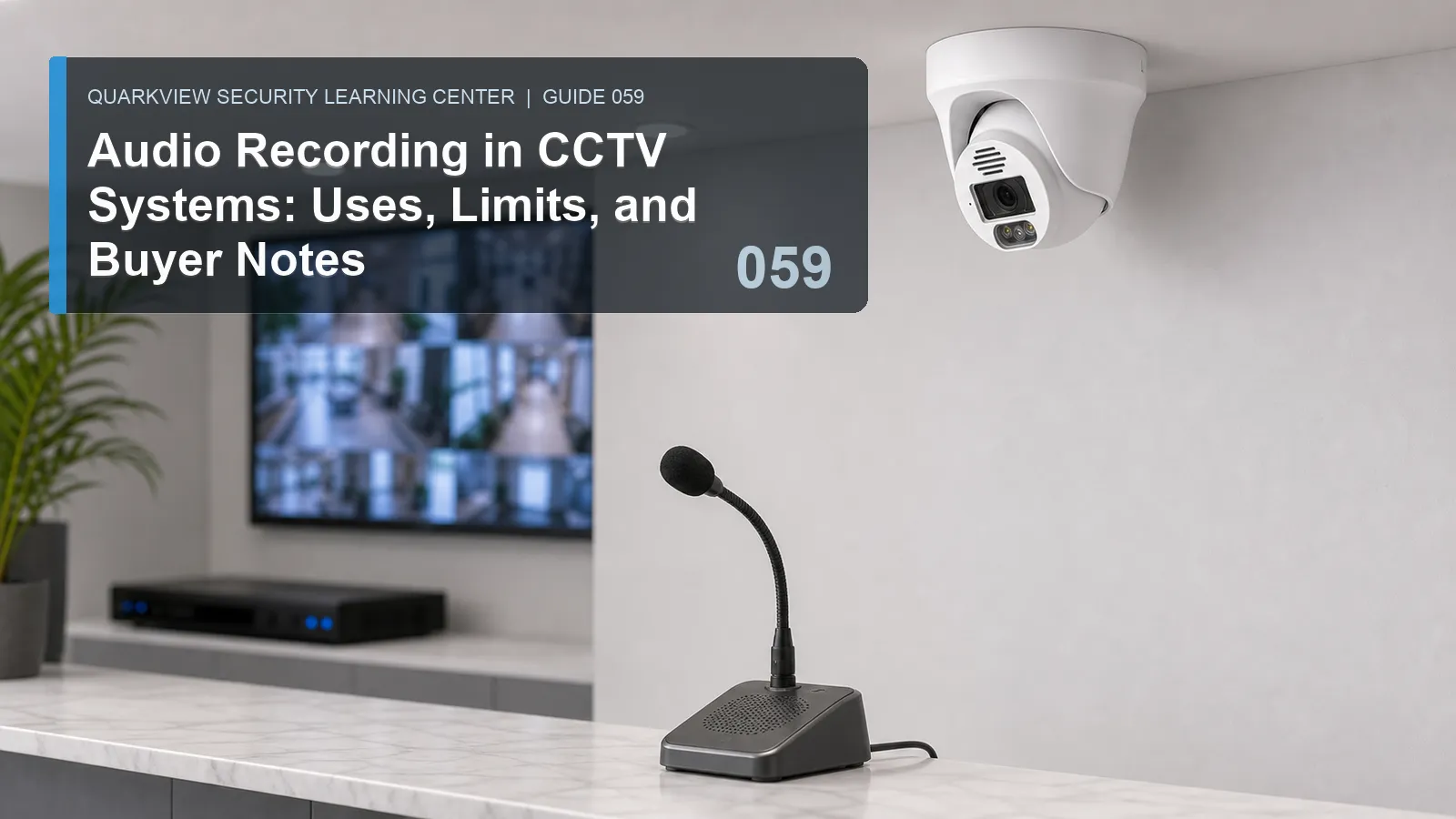
Planning guide
Audio Recording in CCTV Systems: Uses, Limits, and Buyer Notes
Check the purpose, microphone position, recorder support and access controls before adding audio recording to a CCTV system.
Read guideAll buying guides